 RunwayGet the app
World building

IMAGINATION, IN MOTION
Runway
Your next idea.
An entirely new world.
AI image and video creation.
From a first thought to a moving story.
01 / THE POSSIBILITIES
What if looks good on you.
A place to begin.
Three visual directions for your next idea.
Product stories
An object. A new perspective.
Editorial worlds
A little less ordinary
Independent concept artwork for inspiration. These images were not created with Runway.
02 / WAYS TO CREATE
Every idea starts somewhere.
Words, images, or video.
Choose your starting point.
Concept illustrationStart with what you see in your mind.
Describe a subject, a place, and a mood. Turn a written idea into an image or a video.
PROMPT INSPIRATIONA lone traveler. An alpine lake. A doorway that reflects another world.
03 / RUNWAY AGENT
Think in stories, not just single shots.One conversation.
A bigger picture.
Describe the video you have in mind. Runway Agent can plan the shots, generate them, and bring the sequence together. Keep the conversation going to refine your direction.
Give it a direction.
A subject, a setting, a feeling. Start with the story you want to tell.
See the story take shape.
Agent works across planning, generation, and assembly.
Make it more you.
Ask for a change. Reconsider a scene. Keep developing the idea.
AN IDEA TO START WITH
“A traveler finds a doorway in the mountains.
On the other side, the sky is a different color.”
04 / IN YOUR HANDS
Big ideas. Pocket-sized start.
Explore the Android app.
Publisher screenshots from Google Play.
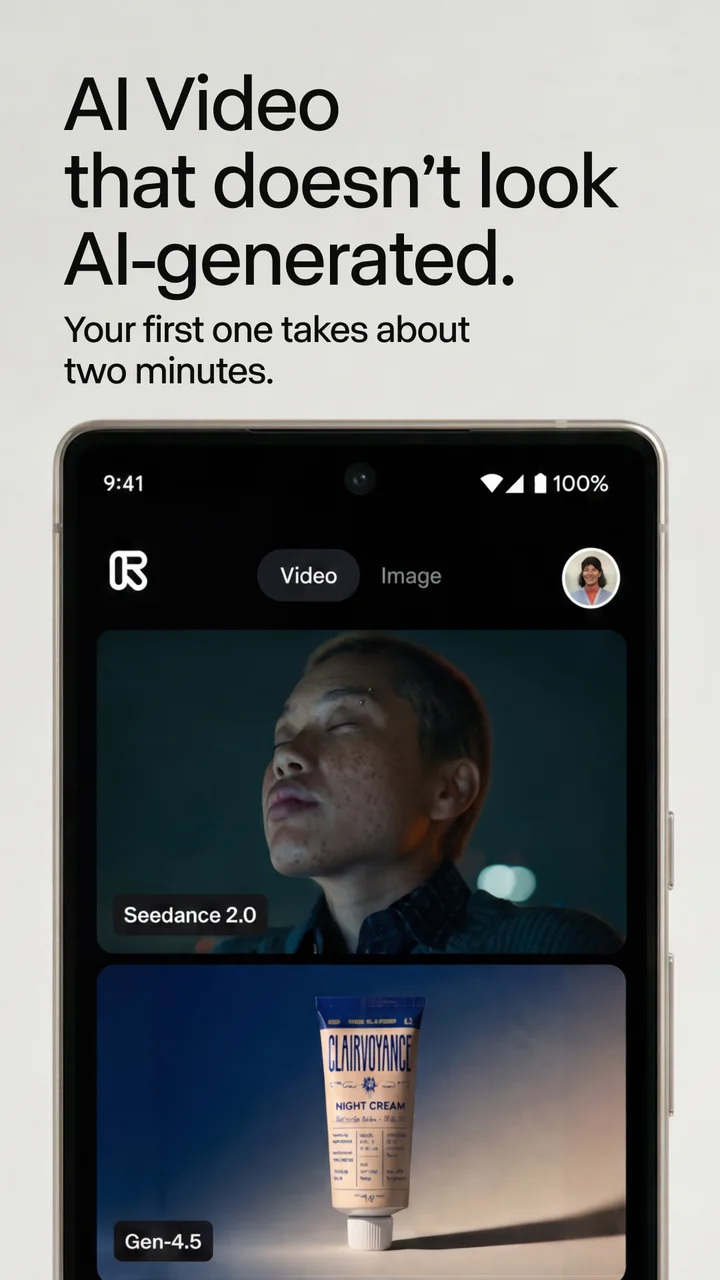
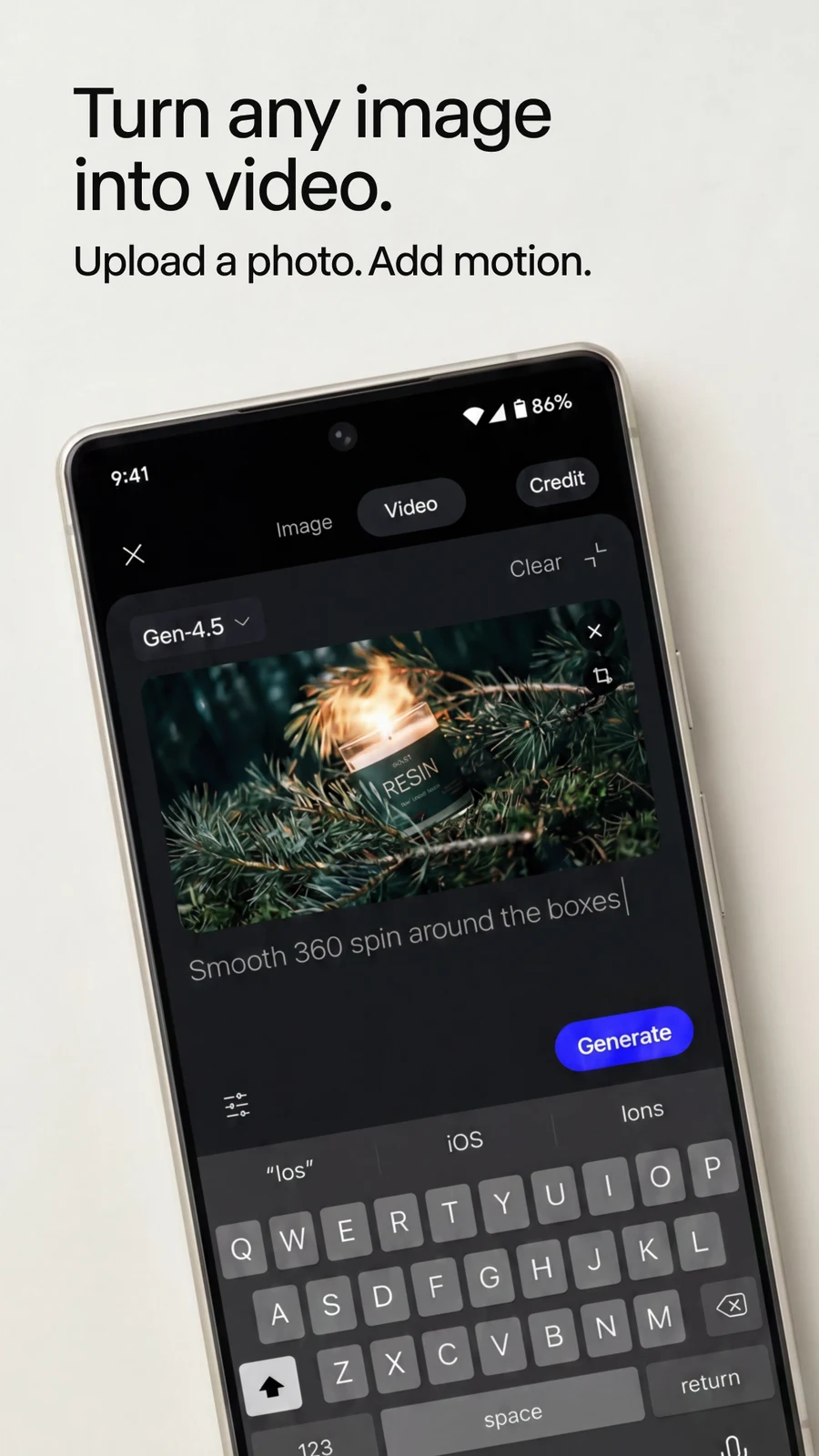
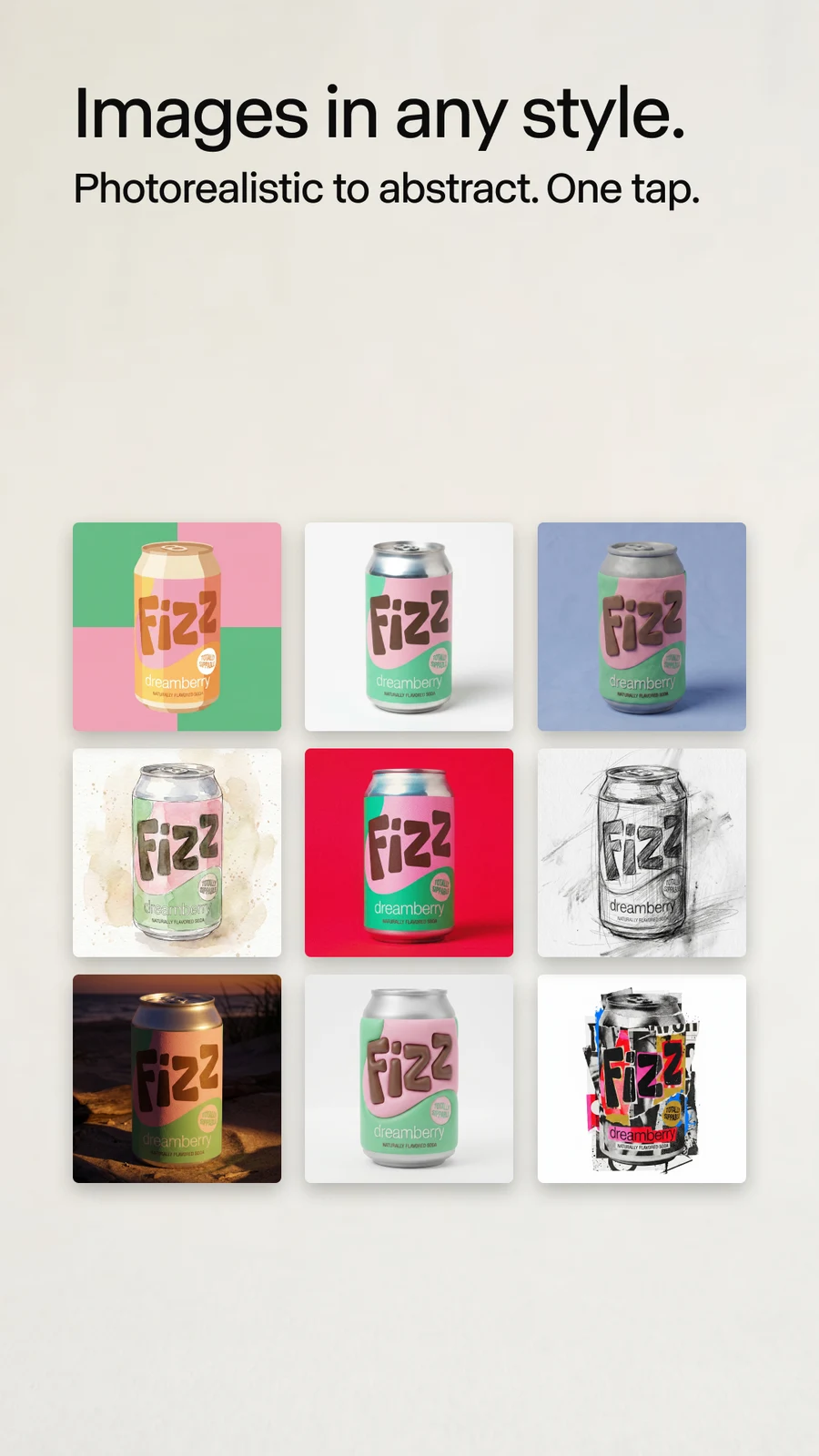
Existing Runway work can sync between phone and computer. Features and availability may change.
05 / GOOD TO KNOW
A few things
before you begin.
The essentials about creating, purchases, and getting help.
Find the appWhat can I make with Runway?
Generate images and videos from prompts or reference media. Try a scene for a short film, a product concept, or a social post. Runway Agent can help plan, generate, and assemble a video from a conversation.
Can I start with an image I already have?
Yes. Use a reference photo for image creation or as a starting point for video. Only upload images you own or have permission to use, including permission from people shown in them.
Are these pictures actual Runway results?
The three campaign scenes on this page are independently generated concept illustrations, not Runway outputs or a promise of results. The app preview section uses the publisher's Google Play screenshots. Actual AI results vary.
Is the app free?
The listing describes a free starting experience with optional paid plans and in-app purchases. Check the app and your store checkout for current credits, features, renewal terms, and local prices before purchasing. This website does not sell plans.
How do I manage a subscription or request a refund?
For a Google Play subscription, open Google Play with the account used to pay, then look under Payments & subscriptions. Uninstalling the app does not cancel a subscription. Request a refund through the store that billed you; approval is subject to its rules. A refund may remove the related paid access or credits. This promotional website cannot process payments or refunds.
How can I delete my Runway account?
Look for account management in Runway. The publisher's documented flow is My Account, then General, then Delete Account, followed by password confirmation. Google or Apple sign-in users may need to set a password first. Menu availability can differ by app version; use the app's support options if the control is not available. Save any work you need first: deletion permanently removes access to your creations. Check store subscriptions separately before deleting.
Where can I get help with the app?
Use the support options inside Runway or the App support section of its Google Play listing. Have your app version and a short description of the problem ready. For billing issues, keep your store order reference, but never share your password or full payment details. This independent website cannot access Runway accounts.
Can I create or upload anything on this website?
No. This is an independent app discovery page, not the Runway editor. It has no sign-in, media upload, generation service, or checkout. The download buttons take you to the app's store listing; the app's own data practices apply there.
TAKE THE NEXT FRAME
An idea worth
making real.
Runway: AI Image & Video for Android.